Basics and controls
You run a frontier city. You do not place houses: the city builds itself when goods reach it. Your job is the economy around it (extractors, supply lines, power), trade, and the army that protects it.
| Do this | With |
|---|---|
| Select | Left-click; drag to select many; double-click selects every unit of that kind on screen |
| Order (move, attack, build, escort) | Right-click |
| Line up selected units | Hold right-click and drag |
| Queue orders | Hold Shift |
| Move the camera | W A S D; mouse wheel zooms; Q E rotate |
| Control groups | Ctrl+number saves, the number recalls |
| Rotate a blueprint | R; right-click cancels it |
| Manual | F1 |
| Quicksave / quickload | F5 / F9; Esc opens Save game and Load game |
Your first match
Choose Guided in the Play menu and the tutorial walks you through these steps:
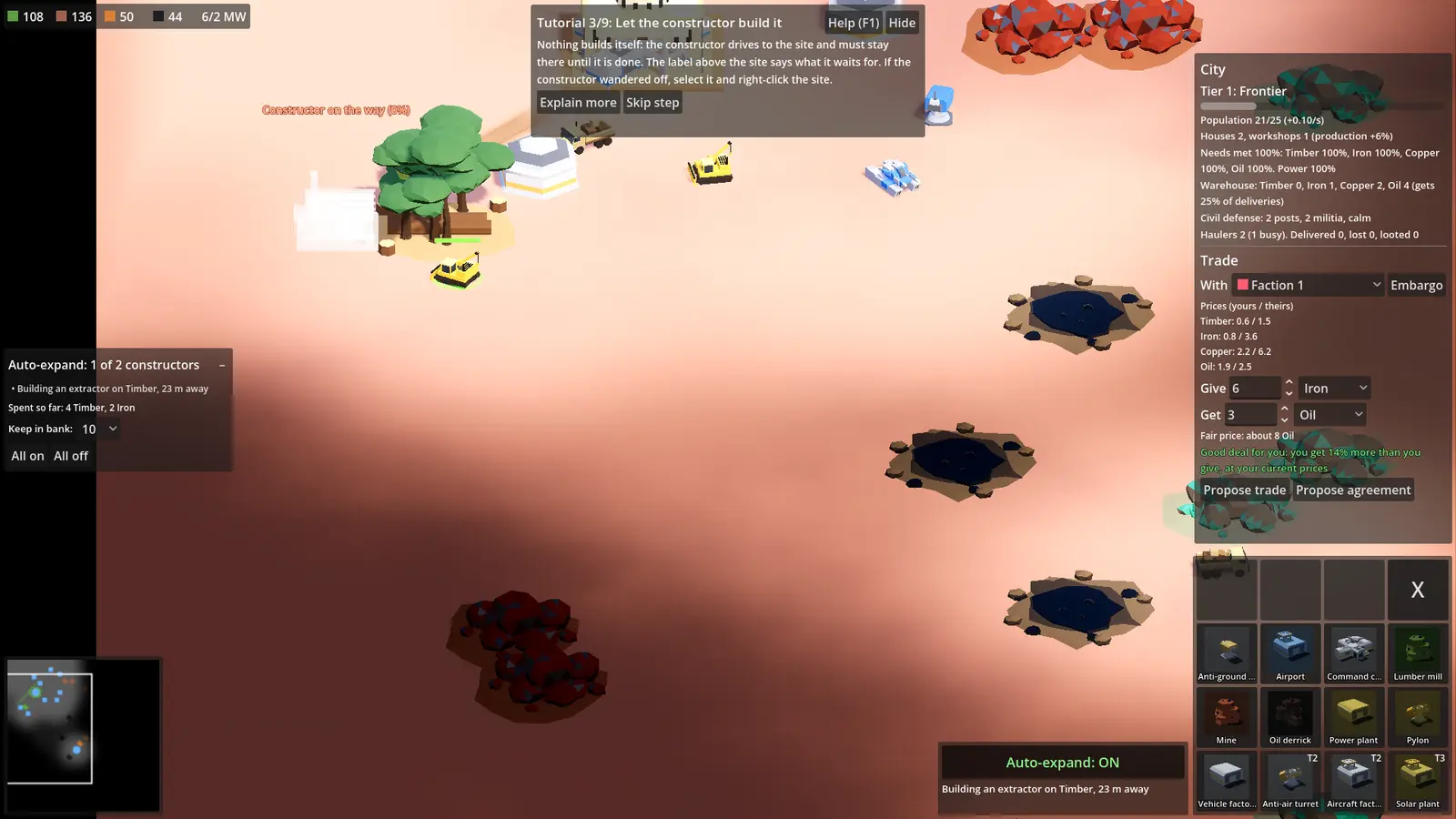
- Select a constructor. The yellow bulldozers build everything. Left-click one; its build menu opens bottom right.
- Lay out an extractor. Move the mouse over a deposit (woods, iron or copper ore, an oil field). The right extractor appears next to it: click to place it. You pay right away.
- Let the constructor build it. The constructor drives to the site and must stay there until it is done. The label above the site says what it waits for.
- Get goods home. Haulers drive what extractors dig up back to your command center along a supply line. Goods count only once they arrive.
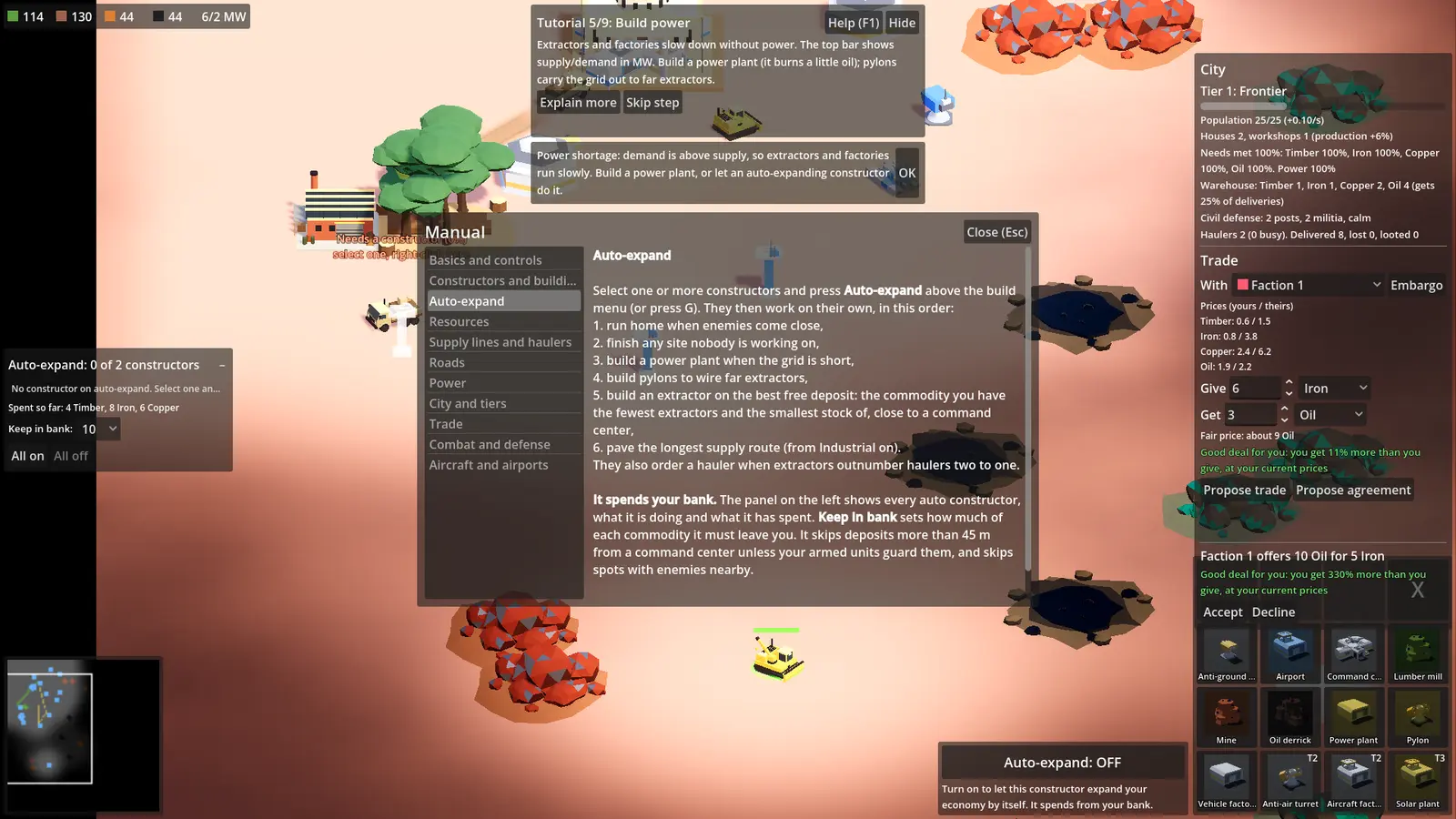
- Build power. Extractors and factories slow down without it. Build a power plant (it burns a little oil); pylons carry the grid to far extractors.
- Let constructors expand for you. Select a constructor and press Auto-expand (G).
- Grow the city to Industrial. A fed, powered city earns science; at 150 it reaches tier 2.
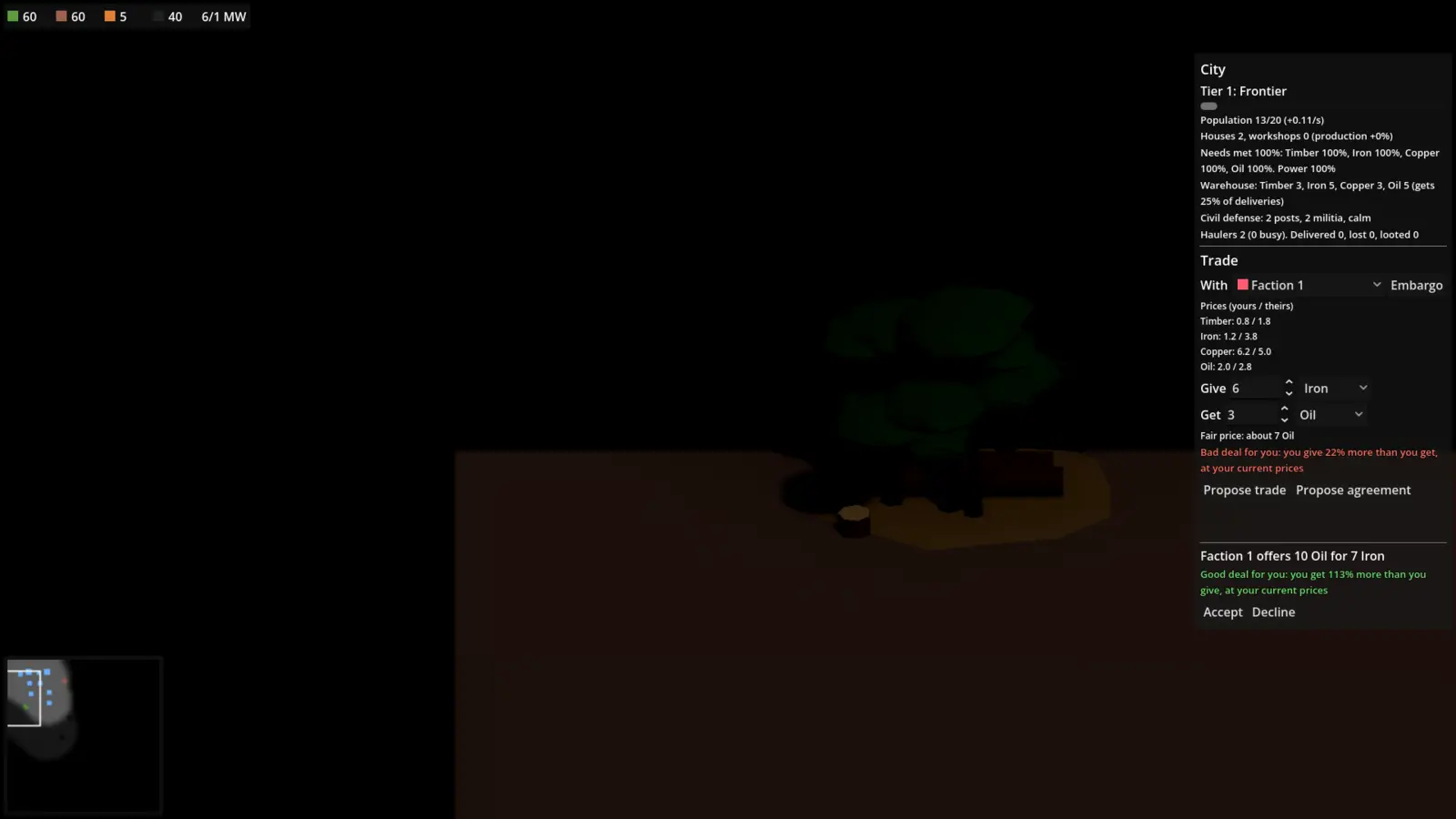
- Trade with a faction. In the City panel, pick a faction, choose what to give and get, and propose.
- Build an army. Build a vehicle factory and produce tanks. Park some near far extractors: raiders go for haulers first.
- Command your army. Drag a line with the right mouse button, or press P to patrol and B to patrol your base.
Constructors and building
Constructors build every structure. Hover a build button to see what it does, its cost and its tier. Placing a building pays for it at once and lays out a site. The site only grows while a constructor stands next to it. If you send the constructor elsewhere, the site waits; select a constructor and right-click the site to resume.
Extractors must touch a matching deposit. With a constructor selected, hovering a deposit picks the right extractor for you. To cancel a site, select it and press the X button; you get back the materials not yet on the road.
Auto-expand
Select constructors and press Auto-expand (G). They then work on their own, in this order:
- run home when enemies come close,
- finish any site nobody is working on,
- build a power plant when the grid is short,
- build pylons to wire far extractors,
- build an extractor on the best free deposit near a command center,
- pave the longest supply route (from Industrial on).
It spends your bank. Keep in bank sets how much of each commodity it must leave you. Any order you give an auto constructor pauses it until the order is done.
Resources
| Commodity | From | Used for |
|---|---|---|
| Timber | Woods, lumber mill | Buildings and roads; your city eats a little |
| Iron | Iron ore, mine | The main building and vehicle material |
| Copper | Copper ore, mine | Power plants, pylons and advanced units |
| Oil | Oil field, oil derrick | Fuel for power plants and haulers |
Deposits run dry over time; their look shows how much is left. Part of every delivery goes to the city warehouse to feed citizens, the rest to your bank.
Supply lines, roads and power
Extractors fill a small local store. Haulers drive the goods to the closest command center along a supply line drawn on the ground. A full extractor stops. Sites inside the yard (about 9 m around a command center) get materials straight away; sites further out wait for a hauler.
Every route starts as a dirt track. Upgrade it to a paved road (×1.4 hauler speed, needs Industrial) or a railway (×2, needs Electric) with the extractor's Road button.
The top bar shows power supply and demand in MW. Without enough power, extraction drops, factories slow down and the city earns less science. Power plants burn oil; pylons extend the grid.
City and tiers
The city panel (top right) shows population, needs, the warehouse and civil defense. Citizens eat timber, iron, copper and oil; a fed, powered city grows, builds workshops (faster production for you) and earns science.
| Tier | Science | Largest city |
|---|---|---|
| 1 Frontier | Start | 60 citizens |
| 2 Industrial | 150 | 100 citizens |
| 3 Electric | 450 | 130 citizens |
Trade and diplomacy
In the city panel, pick a faction, choose what you give and what you get, and propose. Each faction has its own prices; the panel shows both, the fair price, and a verdict judged at your prices (good, fair or bad). A deal is bad when it leaves you with under 10 of something.
Accepted goods travel by caravan, which can be raided. Trade agreements repeat a deal; an embargo stops trade. You can also declare war, sign non-aggression pacts and form alliances.
Combat and unit orders
| Order | Key | What it does |
|---|---|---|
| Fight | F | Go to a spot and fight whatever is met on the way |
| Patrol | P | Loop between points; Shift-click adds more |
| Patrol base | B | Loop around your city and past every extractor |
| Guard | V | Stay with a unit or building and defend it |
| Retreat | Z | Back to the nearest command center without stopping |
| Stop | X | Drop all orders |
| Fire stance | L | Fire at will, return fire or hold fire |
| Hold position | K | Shoot what is in range but never chase |
AI factions raid supply lines and far extractors first. Keep units near long routes. Fixed-wing drones must land at an airport to refuel and crash when they run dry.
Keys can be changed in controls.cfg in the game's user folder.
The helper
The helper is an assistant you switch on at the top left (or press H). It puts idle constructors on auto-expand, builds defenders up to the army size you set, scouts with a buggy and keeps constructors away from enemies. It never attacks. Your own orders always win, and switching it off hands everything back.
Limits and match end
Unit cap. Every unit takes slots: constructors, haulers, scouts, raiders and drones 1; tanks and missile trucks 2; artillery and helicopters 3; heavy tanks and gunships 4; battle tanks 5. Your cap is 150, within a match-wide cap of 400.
Match end. The clock counts down 45 minutes, or 5 minutes after the last deposit on the map runs dry. The best score wins: citizens + unit slots in use + 5 per finished building + science / 10. Destroying every enemy wins at once.